How to Self-Host a Private AI Assistant on a $400 Mini PC
A working build guide for a always-on local assistant: how to pick the box, size the model to your memory, serve it properly, and reach it from your phone without exposing a single port.
 Ethan Vaughn Cloud and Software Editor 15 min read
A private assistant running in your house is mostly a memory-sizing problem. The software has been stable and boring for a while now; the part people get wrong is buying a box with an impressive-sounding GPU and 16 GB of RAM, then discovering that the model they wanted needs 20 GB of it and that the machine spends its life paging weights off an NVMe drive at a tenth of the speed it needs.
This guide walks the whole build: hardware choice and the reason unified memory matters more than shaders, OS setup, choosing a model size that actually fits, what quantisation costs you, the serving stack, roughly what throughput to expect, and how to reach the thing from a phone on mobile data without ever opening an inbound port. It assumes a budget in the region of 400 units of your local currency for a used or modest new mini PC, which in practice means an x86 box with a decent integrated GPU and shared system memory.
Last verified: September 2026, against current stable releases of the tools named below. Inference tooling moves fast; flags get renamed and backends get added. Treat every command as a shape to check against the project's own documentation rather than something to paste blind.
Prerequisites
Nothing here needs a rack, a static IP or a domain name. It does need a machine you are willing to leave powered on, and enough memory that the model never has to touch disk during generation.
- A mini PC with at least 32 GB of memory, shared between CPU and integrated GPU. 64 GB if you want headroom for a 30B-class model or long contexts. This is the one specification worth overspending on.
- A 1 TB NVMe drive. Weights are large and you will end up keeping three or four of them while you compare.
- Wired Ethernet to the box. Wi-Fi works, but adds jitter you will notice as stuttering in streamed responses.
- Comfort with a Linux shell, systemd units and reading journal logs. Nothing exotic, but this is not a click-through install.
- An account on a WireGuard-based overlay network, or a self-hosted WireGuard endpoint you already trust.
- About three hours, most of which is downloading.
Why unified memory beats raw GPU at this price
Token generation for a single user is memory-bandwidth bound, not compute bound. To emit one token, the machine reads essentially every weight in the model once. That means the theoretical ceiling on decode speed is roughly memory bandwidth divided by the size of the model in memory, and no amount of arithmetic throughput moves that ceiling.
This is why a discrete card with 8 GB of fast VRAM is often worse than an integrated GPU with 32 GB of shared LPDDR5. If the model fits in VRAM, the discrete card wins comfortably. If it does not, layers have to be split across the PCIe bus and the slowest link in the chain sets the pace. A box where CPU and GPU address the same pool removes that cliff entirely: you are limited by one bandwidth figure, and you can load a model right up to the limit of installed RAM.
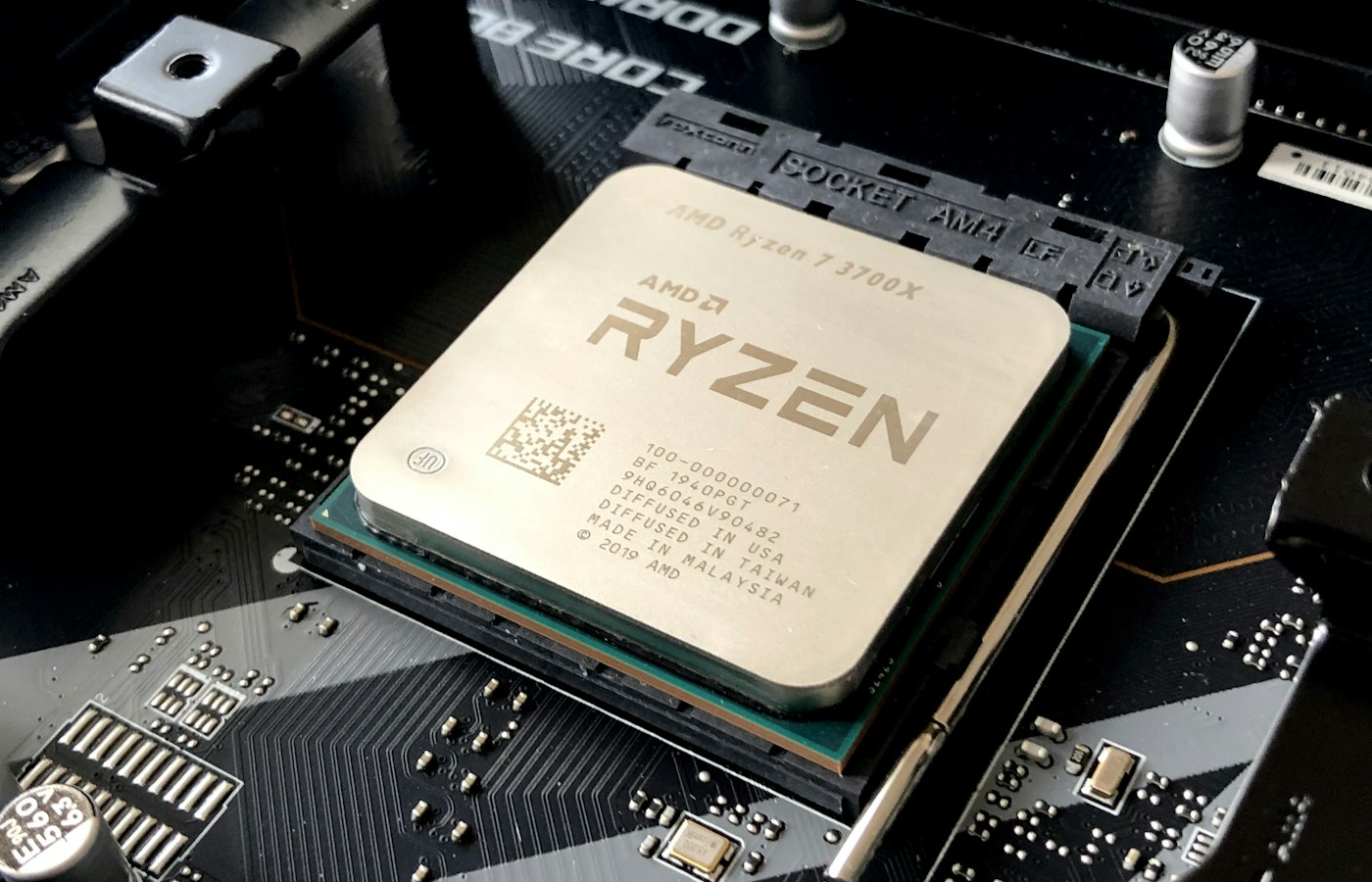
When shopping, ignore the GPU marketing name and find two numbers: the memory type and the bus width. LPDDR5 on a 128-bit bus is a different machine from DDR4 on the same bus, and the gap shows up directly in tokens per second. Soldered memory is a real downside for upgradeability but usually buys you the bandwidth, so read the specification before assuming a SODIMM slot is a win.
The number that decides your tokens per second at this price point is memory bandwidth, not TFLOPS.
Base OS and first boot
Install a current long-term-support Linux distribution, server edition, no desktop. You want the machine to survive unattended reboots and kernel updates without a human present, so enable unattended security upgrades and set the BIOS to power on after an AC loss. That last setting is worth more than it sounds when a summer storm cycles your power at 3am.
Set a static lease for the box on your router rather than a static IP on the machine itself, so DHCP stays the single source of truth. Install the GPU userspace stack for your integrated graphics, and confirm the compute runtime is actually visible to userspace before you go any further. Almost every confusing inference failure later traces back to the runtime not being loaded and the server quietly falling back to CPU-only execution at a quarter of the speed.
Create a dedicated unprivileged user for the inference service, with its home directory on the NVMe drive. Models live there. Do not run the server as root; it is a network-facing process parsing untrusted input, and there is no reason for it to have more privilege than read access to a directory of weights.
Sizing the model, then choosing the quantisation
Work out your memory budget first, then find the largest model that fits inside it with room to spare. The rough arithmetic: a 4-bit quantised model occupies a little over half a byte per parameter once you account for the higher-precision blocks most formats keep for sensitive tensors. That puts an 8B-parameter model somewhere near 5 GB, a 14B near 9 GB, and a 32B near 20 GB. These are approximate and vary by a gigabyte or so between specific quantisation variants.
Then add the key-value cache, which is the part people forget. The cache scales with context length and with the model's attention layout. For an 8B-class model using grouped-query attention, budget on the order of 1 to 2 GB for an 8k context; older architectures without grouped-query attention can be several times worse. Add a couple of gigabytes for the OS and whatever else the box does. If the total is within about 80 percent of installed RAM, you are fine.
On format: the GGUF container is the practical default for this kind of build, because it is a single self-describing file holding weights, tokeniser and metadata, and the common runtimes read it directly. Within GGUF, the mid-range 4-bit mixed variants are the sweet spot. Going from 4-bit to 8-bit roughly doubles memory use and halves decode speed for a quality difference most people cannot detect in ordinary use. Going below 4 bits is where degradation becomes obvious: repetition, weaker instruction-following, and noticeably worse code. The research literature on post-training quantisation is clear that 3 to 4 bits is the practical floor for near-lossless behaviour, and the 2-bit results that exist come with real caveats.
The rule that matters: a larger model at 4-bit almost always beats a smaller model at 8-bit for the same memory footprint. Spend your bytes on parameters, not precision.
The serving stack
Keep it to two moving parts: an inference server and a client. The llama.cpp project's HTTP server is the reference choice here. It loads GGUF weights, exposes an OpenAI-compatible chat completions endpoint, handles continuous batching, and runs happily as a single static binary under systemd. Because the API shape is the common one, essentially any chat client, editor plugin or scripting library that speaks to a hosted provider will point at your box with a changed base URL.
Run it as a systemd unit with Restart=always. Set the context size explicitly with the context flag rather than inheriting whatever the model metadata suggests, offload as many layers to the integrated GPU as your backend supports, and set an API key. Critically, bind the listen address to the loopback interface or to the overlay network interface address. Do not bind to 0.0.0.0 out of habit; that decision is what turns a misconfigured firewall into an open endpoint.
Add a web front-end if you want conversation history and multiple model switching, running as a second service on the same box and talking to the inference server over loopback. Keep the front-end and the inference server as separate units so you can restart one without disturbing the other, and so a front-end upgrade cannot take your API down.
The server exposes a metrics endpoint and a slots endpoint. Wire the metrics endpoint into whatever monitoring you already run. You want to know about queue depth and eviction before you notice it as slowness.
Throughput: what to expect
Do the bandwidth arithmetic before you believe any number you read online, including this one. If your box has around 100 GB/s of effective memory bandwidth and your model occupies 5 GB, the theoretical decode ceiling is about 20 tokens per second. Real systems land meaningfully below the ceiling because of cache behaviour, sampling overhead and the fact that quoted bandwidth is peak rather than sustained.
So the honest expectation for an 8B-class model at 4-bit on a machine in this class is roughly 10 to 15 tokens per second of sustained generation, which is around reading speed and perfectly usable for conversation. A 14B model on the same box will run at roughly half that. A 32B model, if it fits at all, drops into the range where you will start batching requests and walking away. These are figures derived from the bandwidth arithmetic above and from the generally reported behaviour of this hardware class; Techtrendery.com has not benchmarked a specific unit for this guide, so treat them as order-of-magnitude expectations rather than measurements.
Prefill behaves completely differently. Processing the prompt is compute bound and parallel, so it runs far faster per token than generation but scales with prompt length. A long system prompt or a pasted document can mean several seconds before the first token appears while generation afterwards feels fine. Enable prompt caching so an unchanged system prompt is not reprocessed on every turn; on a box with a fixed persona prompt this is the single largest latency win available.
Reaching it from a phone without opening a port
The temptation is to forward port 8080 on the router and be done. Do not. An inference server is a network service with a minimal auth model, no rate limiting worth the name, and an endpoint that will happily consume your entire machine on request. Exposing it means anyone scanning the address space finds an unauthenticated compute resource, and remote access to a home network is the exact attack surface that general remote-access security guidance spends most of its time on.
The right answer is a private overlay network. Install a WireGuard-based mesh agent on the mini PC and on your phone. Both devices join the same private network, get stable addresses on it, and can talk to each other regardless of which network either is on. Nothing is listening on your public IP, there is no inbound firewall rule, no dynamic DNS, and no certificate to renew. WireGuard's handshake gives you per-peer authenticated key exchange with forward secrecy and regular rekeying, which is a far stronger position than an API key over plaintext HTTP.
Then tighten it. Bind the inference server to the overlay interface address specifically, so it is not reachable even from other devices on your home LAN unless you want it to be. Write an access rule permitting only your phone and laptop nodes to reach the server's port, rather than leaving the whole overlay network open to it. Keep the API key set anyway; overlay membership and application auth are separate layers and you want both. If you share access with family, give each person their own device identity so you can revoke one without rotating everything.
If your assistant is reachable from the open internet, it is not your assistant.
Backups, failure modes and what to do on Monday
Do not back up model weights. They are large, immutable and re-downloadable. Back up a manifest instead: a text file listing the exact filename, quantisation variant and checksum of every model you rely on, kept alongside your systemd unit files, server configuration and the front-end's chat history database. That is a few megabytes, versions cleanly, and is the difference between a two-hour rebuild and a two-day one. Follow the usual three-copies rule and, more importantly, actually restore it once onto a spare disk so you learn which step you forgot.
The failure modes worth knowing in advance are short. The process dying under long conversations is almost always the kernel out-of-memory killer, caused by an unbounded context; set the context size explicitly and quantise the key-value cache before you consider a smaller model. Coherent-but-wrong formatting, where the model talks to itself or never stops, is a chat template mismatch; pass the template explicitly rather than trusting metadata. Sudden across-the-board slowness after a kernel update usually means the GPU backend stopped loading and everything fell back to CPU; check the server's startup log for the backend line. And a phone that cannot connect is, nine times out of ten, either an overlay access rule or a server still bound to loopback.
On Monday: buy for memory bandwidth and capacity, not GPU model name. Install server Linux, create an unprivileged service user, confirm the GPU compute runtime loads. Pick the largest model that fits in 80 percent of RAM at 4-bit, not the highest precision that technically loads. Run the inference server as a systemd unit bound to the overlay interface with an API key set. Join the box and your phone to a WireGuard-based overlay network and write a rule that admits only your own devices. Back up the manifest and the configuration, not the weights. Then measure your actual tokens per second and compare it to the bandwidth ceiling: if you are far below it, something is running on the CPU that should not be.
Sources and further reading
- llama.cpp HTTP server documentation (llama-server flags, endpoints, API compatibility)
- GGUF file format specification (ggml project docs)
- GPTQ: Accurate Post-Training Quantization for Generative Pre-trained Transformers (arXiv)
- WireGuard protocol and cryptography overview
- NIST SP 800-46 Rev. 2: Guide to Enterprise Telework, Remote Access, and BYOD Security
How this article was produced
Written by Ethan Vaughn and edited to the Techtrendery.com editorial policy. Figures described as illustrative are exactly that and are labelled in the text. If you find an error, tell us through the contact page — corrections are published in place with a dated note.